
Get more from your Symbian OS Phone

Vision On: The Nokia E90 Art Gallery

Published by Steve Litchfield at 19:33 GMT, November 18th 2007

Going for a business device doesn't mean missing great photo opportunities, argues Steve Litchfield.

The Nokia E90 is unique at the moment in that it's the only business-focussed communicator/smartphone in the world that also has a camera capable of decent results. This is important, I feel, because despite the elegance of (for example) Nokia's separate Nseries and Eseries ranges, aimed at consumer/multimedia and enterprise respectively, there are a great many people who want the best of both worlds and, despite its well documented faults, the Nokia E90 is the best of the two devices that straddle the great divide (the HTC Kaiser tries hard but its camera isn't quite as good).

But what sort of images can the Nokia E90 take? What are its limits? What sort of quality might you hope for? In the gallery below, I hope to answer these questions. Importantly, the JPG image files linked to are the E90-shot originals, un-retouched, with all original EXIF headers intact, to prove that I haven't doctored anything.

The Nokia E90's camera isn't up to the standard of that in the Nokia N95, with 'only' 3 megapixels and no fancy Carl Zeiss optics, but it's still capable of pretty good snaps. I took the opportunity over the last few weeks to snap anything arty or interesting - enjoy. Just click on an image to download it or open it up (watch out for your browser scaling it down again...)
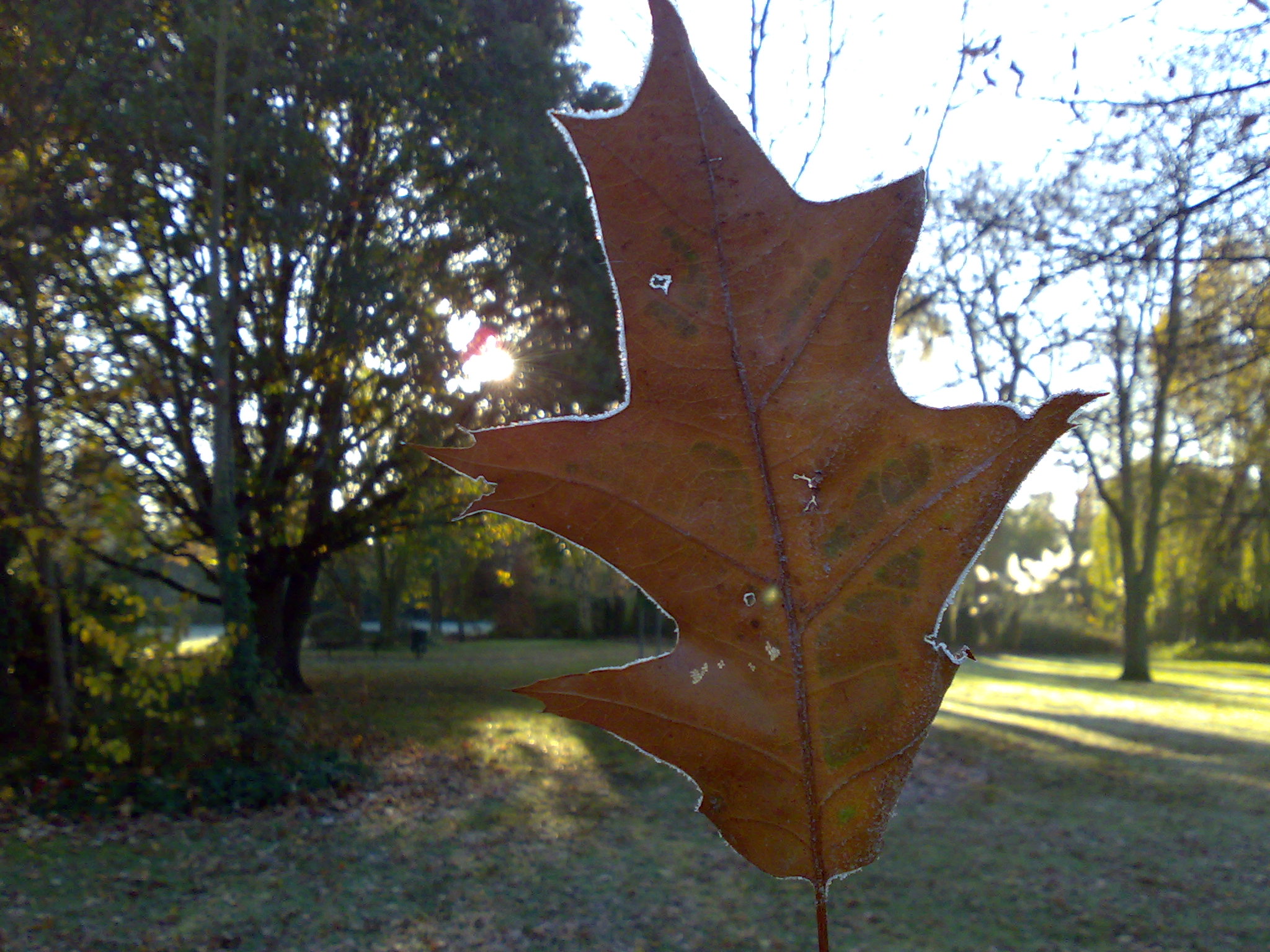
Click to download or open the full size, un-edited JPG

We were just wandering along on the way to school and my daughter found a neat frosty leaf and held it up to the sunlight. Great detail and focus from the E90's camera here, check out the frosted edges.
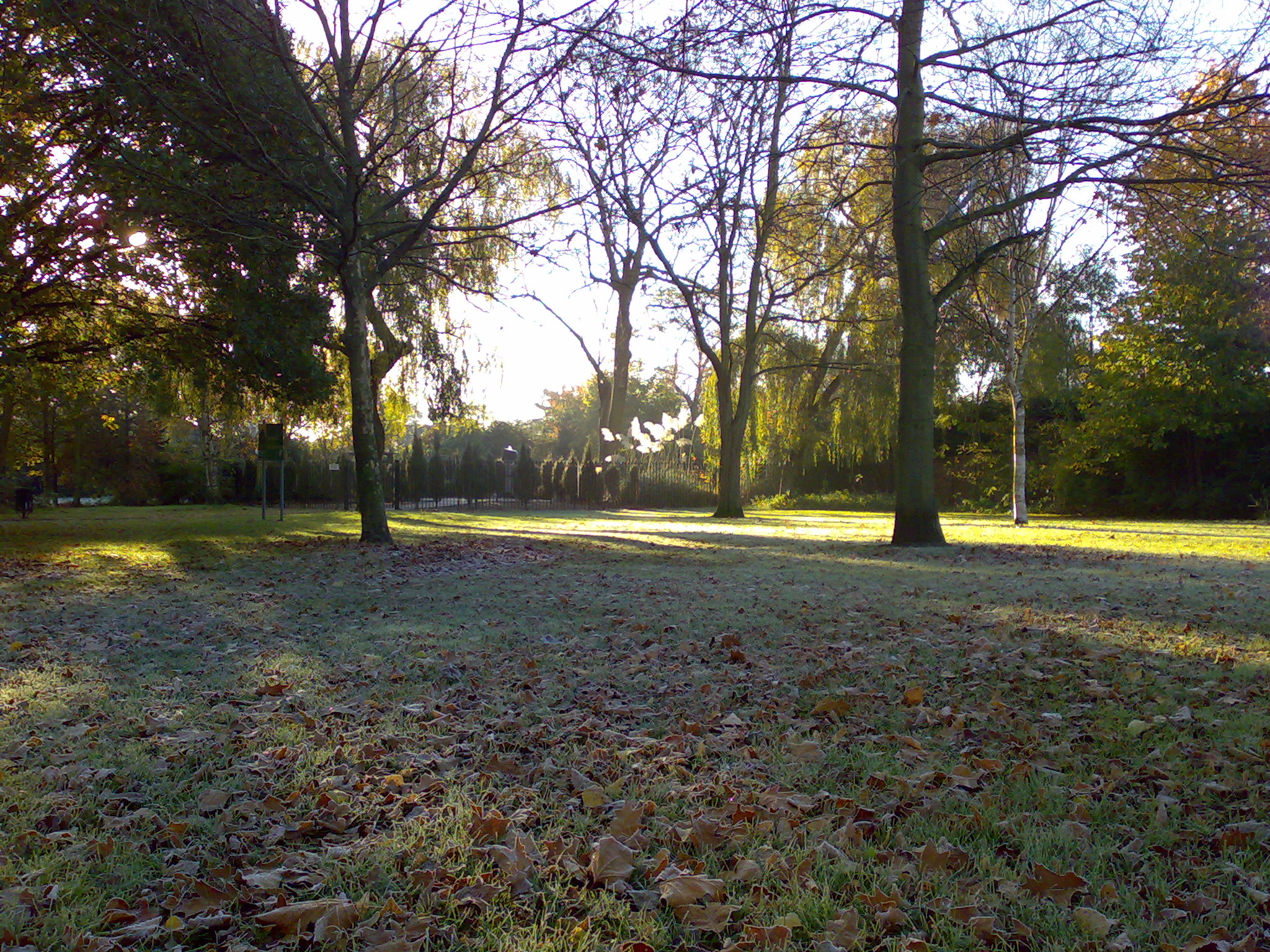
Click to download or open the full size, un-edited JPG

The wider frosty scene, pretty good handling of dark and light shades.
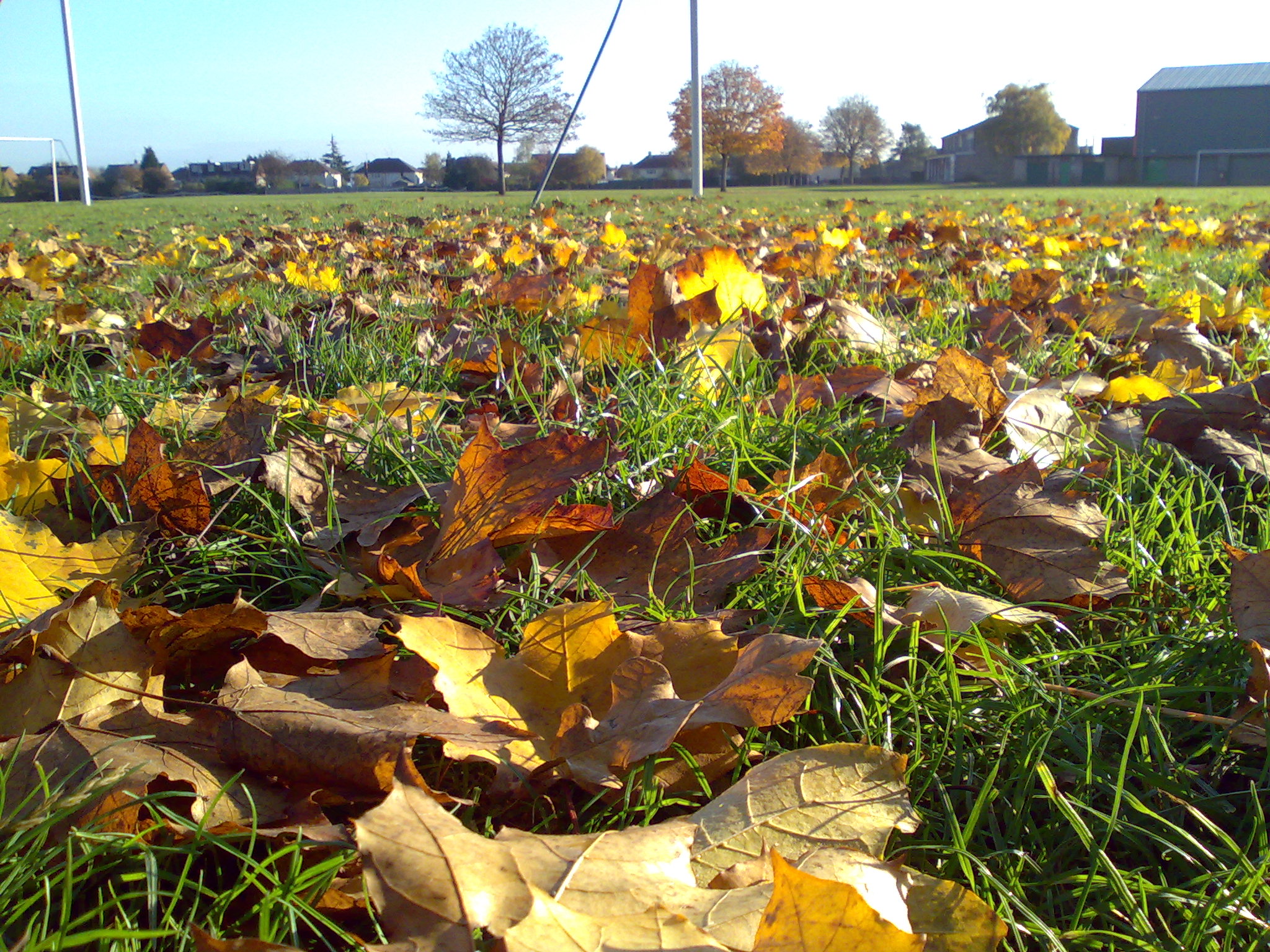
Click to download or open the full size, un-edited JPG

Later in the day, focussing on the foreground leaves to arty effect. A slight optical curvature shown in the horizon but still a good shot.
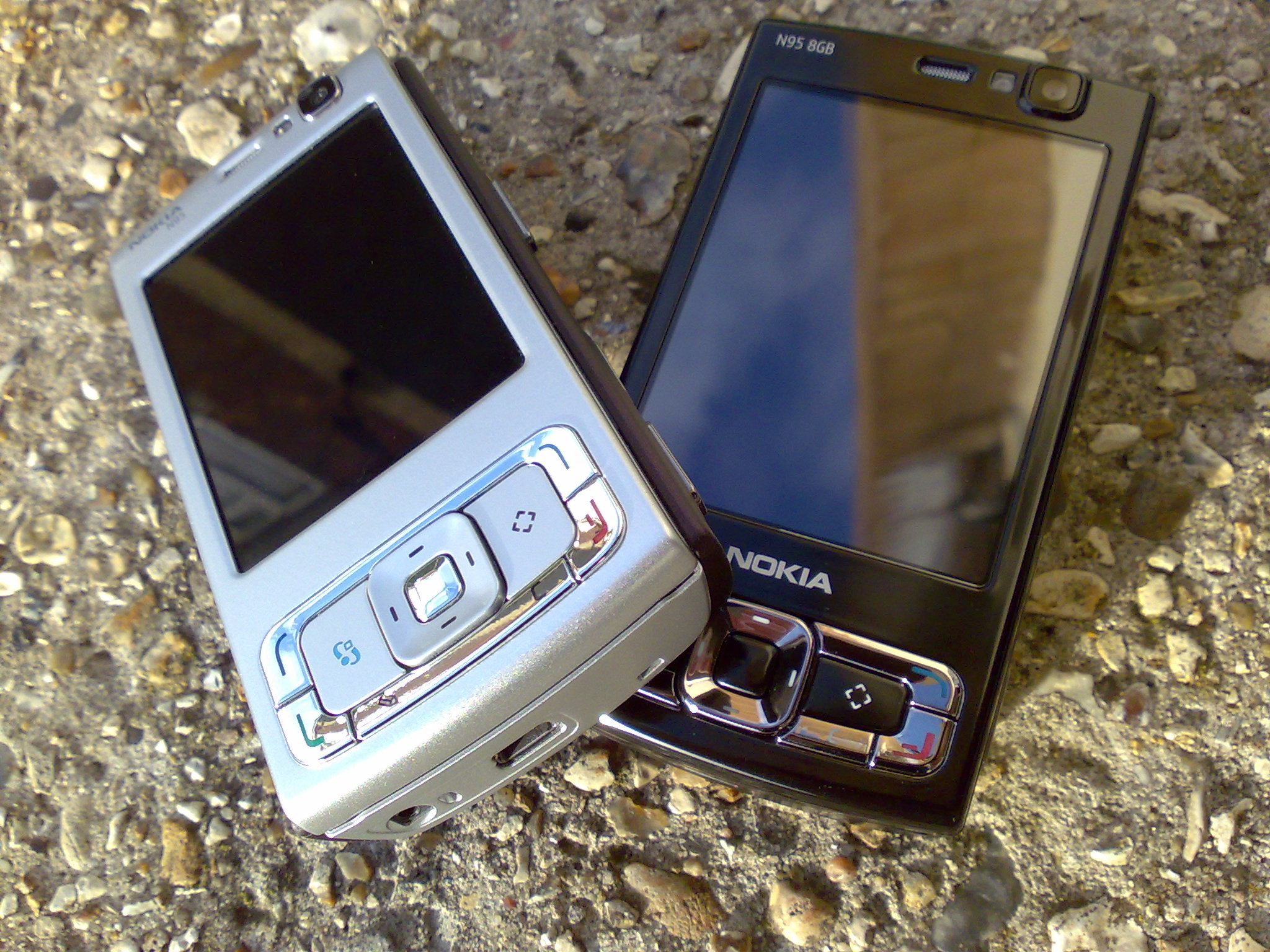
Click to download or open the full size, un-edited JPG

The original photo from my N95 classic article, insanely great close-up focussed detail from the E90 here.
Click to download or open the full size, un-edited JPG

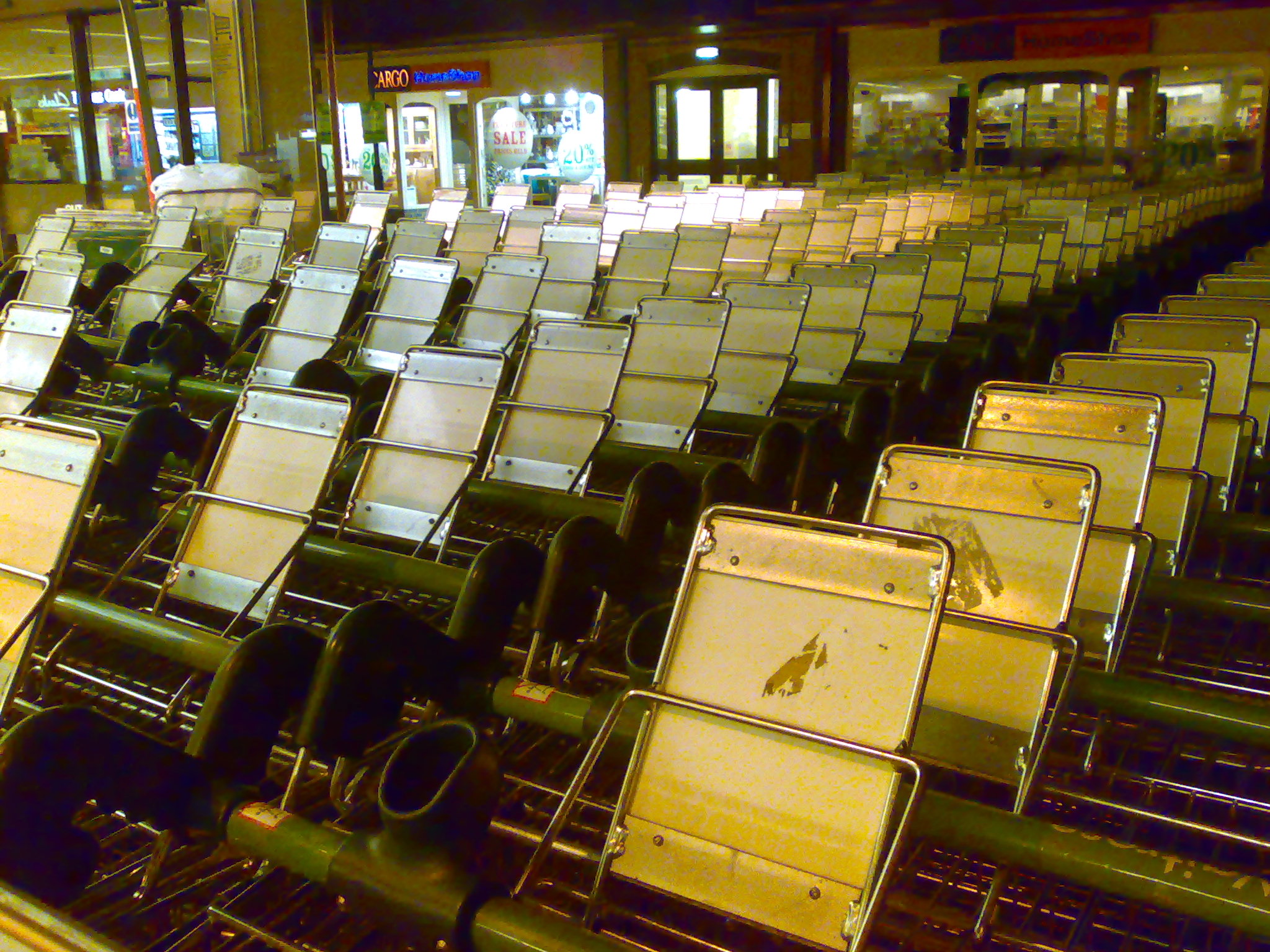
A low light shot outside Waitrose. Zoom in and you can see the blotchy noise in areas of solid colour. Even the N95 wouldn't have done much better without flash, low light really is the enemy of phone-mounted cameras, with their tiny sensors. The new N82 would do better here, if only because the Xenon flash would light such a scene sensitively and accurately and could be used more freely.
Click to download or open the full size, un-edited JPG

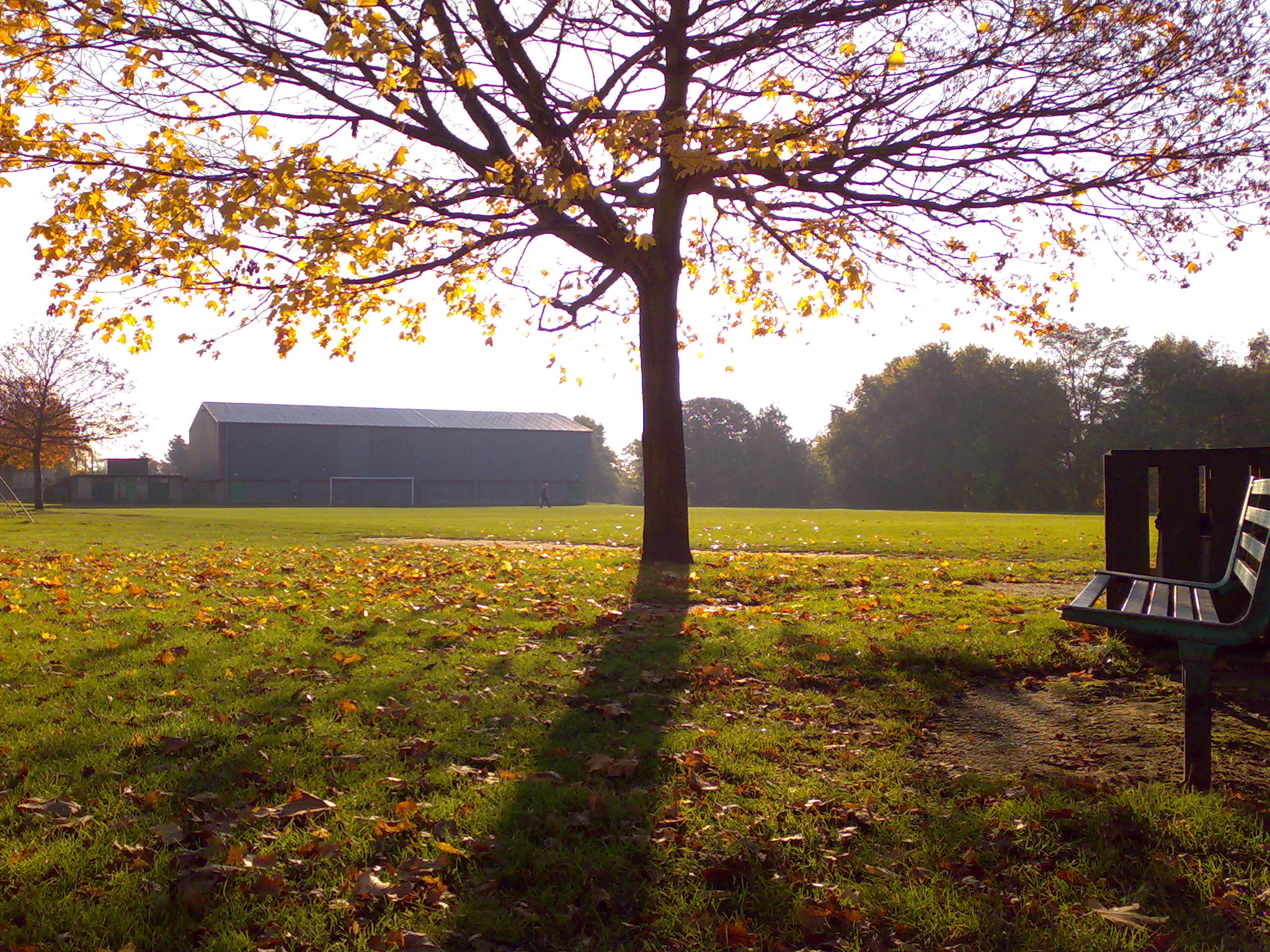
Trying to push the boundaries again in terms of light, shooting into the sun. By upping the exposure setting a couple of notches the tree hasn't become a simple silhouette - look at the colours and details on its leaves etc.
Click to download or open the full size, un-edited JPG

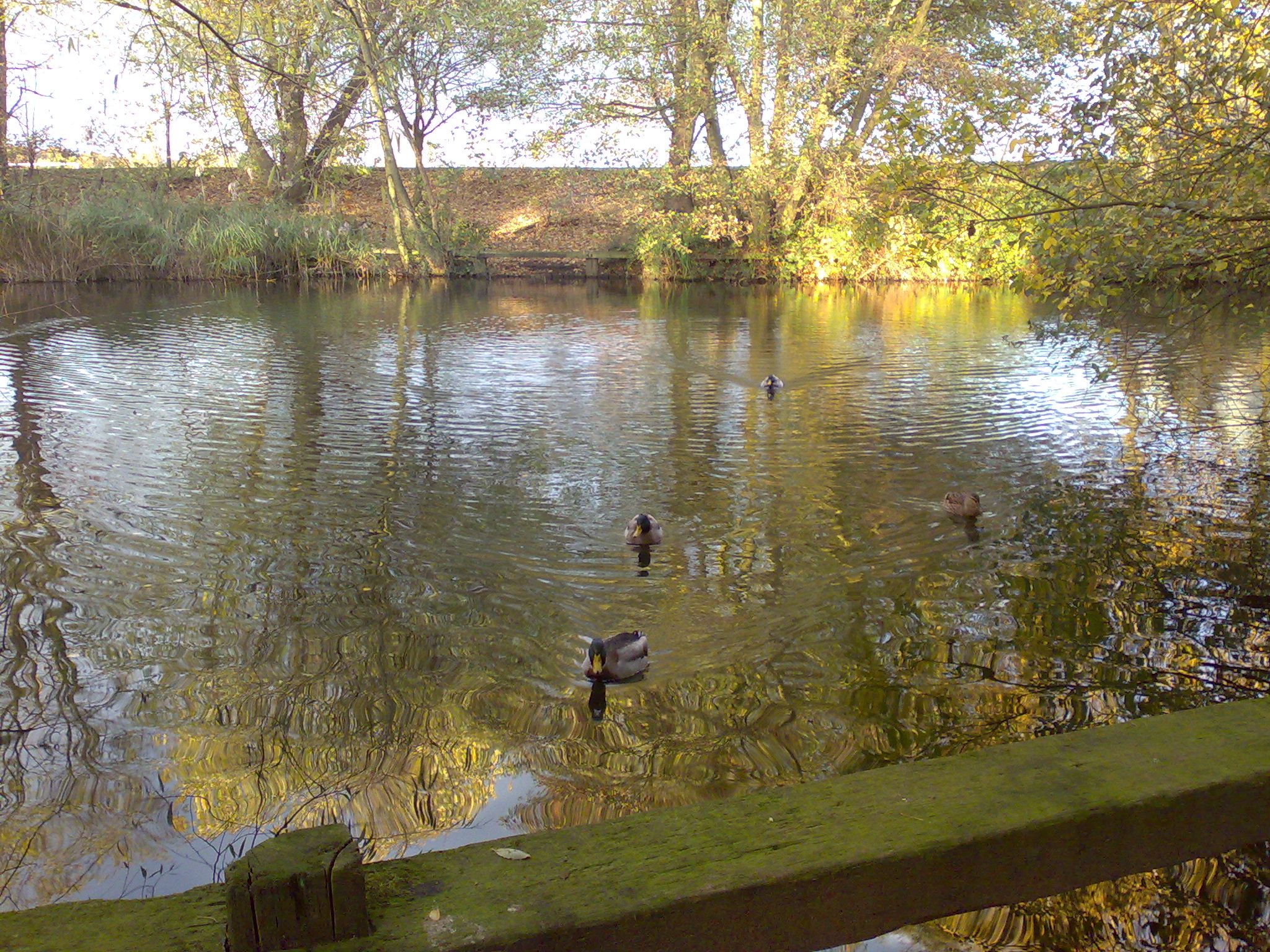
Photographing water is always a good test of a camera. The E90 doesn't do badly here, with seamless ripples on the surface and my only complaint would be that the colours here (and in most other images on this page) aren't quite as vivid as I remember them with the naked eye.


Hopefully we'll see lots of other future smartphones with both qwerty keyboard AND quality auto-focus camera -  if you're reading this, Nokia, how about an E61i replacement with similar hardware but an upgraded camera as good as that in the E90 (or better)? Here's hoping!

Steve Litchfield, AllAboutSymbian, 19 November 2007

PS. Comments welcome, as always!
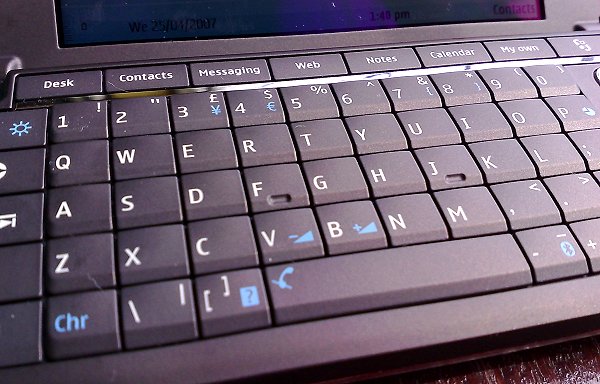
The Nokia E90

Share This (Digg, del.icio.us, Facebook, etc.)

Categories: How To, Comment, Hardware
Platforms: General, S60 3rd Edition

Feature Discussion

Unregistered
Steve, we've spread the goodness here as well, take a look:
esato.com/board/viewtopic.php?topic=152878&start=0
Unregistered
I see that the quality of E90 images aren't so bad..
they could be said "acceptable"
however..
i would like to say that the shutter button is just so bad that it is hard enough to keep your finger on it, to stay on the auto focus..
i borrowed my friend's E90 and had problems taking picture..
i thought Nokia was going to fix this problem on it's final product, but i guess they didn't..
i guess that is what makes the differences between N series and E series phones
Terry1100
Quote:
Nokia, how about an E61i replacement with similar hardware but an upgraded camera as good as that in the E90 (or better)?
Steve - didn't you mean an E70 replacement ? - at least the E61 got an "i"
juwlz
I forgot my "real" camera so only had my E90 with me at the weekend for the Wells edition of the Somerset Guy Fawkes carnivals. Loads of impressive floats, mostly covered in lights and with loads of moving parts.
I got some really quite impressive shots, much better than I was expecting (and some bad ones too - but then don't you always), and even some quite acceptable video footage.

Julie
Liquid_Li0n
What I notice was that the pictures are very good indeed, only the viewfinder is maybe not so big and an other thing is that you always have to use the button at the side to take a picture. I know the times of the N70 where you could choose to use the button at the side or in the middle of the device, much better.

What I notice aswell is that the led is really blue'ish with the E90 (especially with macro pictures), if you see the difference with the N73 for example, that one is really bright white.
Unregistered
liquidi0n: you can offset that by using the 'Sunny' setting when using the flash in darker conditions.
Unregistered
The video recording quality is way better than any other Smartphone on retail sale

Jah
eseries
Great photos! perhaps it is because of the photographer and not the camera quality :rolleyes:
Attila
what I don't understand is how you managed to take a pic of the E90's keyboard with an E90? do you have two of them?

9 Comments / Post New Comment

Close
  • Social Web
  • About

You can use this widget to send bookmarks or notes for this page to your favourite sharing / bookmarking service. You will need an account at mnay of these services and may need to log in to use them.

Copyright Notes || Contact Us || Privacy Policy