
Review: Nokia C6 Part 2: Multimedia and Camera
In the second part of his review of Nokia's new C6 (here's part 1), David Gilson looks at its camera and multimedia software bundle. Although there's little here that's actually new, what's surprising is the C6's speed - it seems that S60 5th Edition is now pretty well optimised in this regard.
Version Reviewed: 10.0.021
In this part of the review, we'll look at the Nokia C6's complement of multimedia software. S60 veterans won't find anything new with the C6's multimedia support. However, what will come as a pleasant surprise, especially given the budget nature of the C6, is that a running theme of the C6 is speedy operation, with little or no waiting for operations such as gallery thumbnail viewing or music library refreshing.
Music and Podcasting
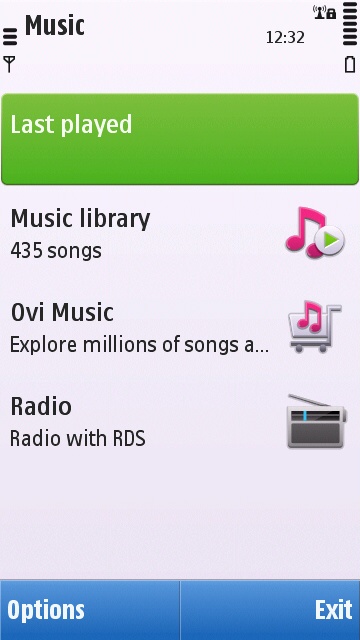
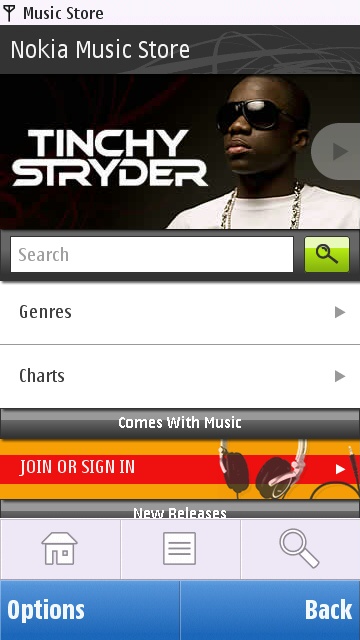
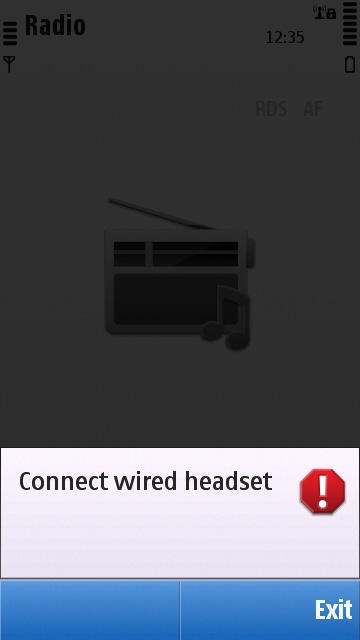
The C6 comes with the standard S60 5th Edition Music application. The first screen offers links into sub-applications for audio playback. The first of which is of course the main Music player. This is followed by a link to Nokia's "Ovi Music" store, allowing users to purchase either individual tracks or whole albums for direct delivery to their phone. However, Ovi Music still sells music with DRM, something I hope Nokia will move away from as soon as is practical. Finally, there is the radio receiver application; as ever though, a wired headset is required to act as an antenna. Also disappointing here is the lack of any internet radio application for streaming audio from the internet. This isn't specific to the C6, as Internet Radio has been missing from all of Nokia's S60 5th Edition (and some Eseries 3rd Edition) devices.
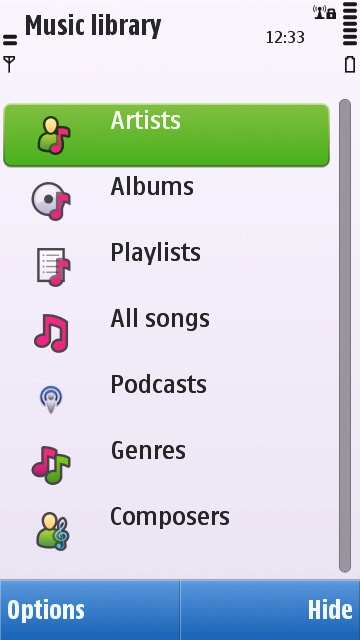
The standard Nokia Podcasting application is supplied with the C6, and is integrated into the Music application, being shown along side the other categories. Those being: Artists, Albums, Playlists, 'All songs', Genres and Composers. However, more advanced users might like to try out the Podcatcher application that is being designed for Symbian^3, and back ported to Symbian^1, as it has a more up to date and relevant content discovery system (at least for the technologically inclined!).
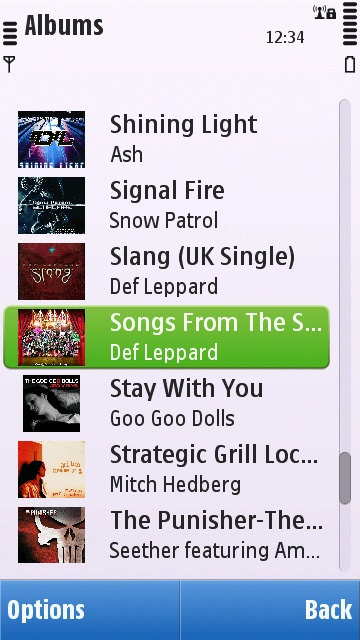
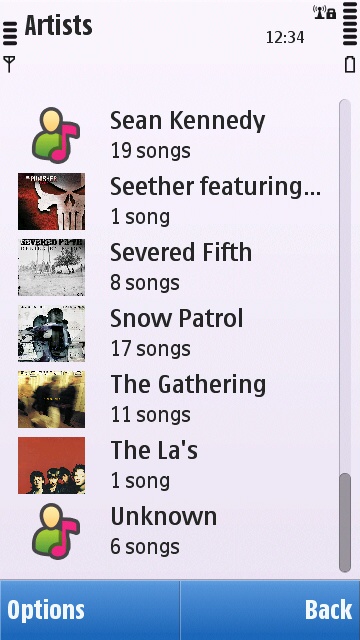
The S60 Music player application has been justly criticised for being slow and unreliable to build its music library (based on tagged music files loaded by the user). In testing with other flagship S60 5th Edition phones I've found that even scrolling through long lists of artists or albums has often been a stuttering experience. However, the experience with the C6 is consistently fluid. The library is updated speedily, and scrolling through lists is smooth and fast - top marks for user experience here.
As mentioned in part one of this review, the C6 has a single speaker on its back. It has a decent volume and is (subjectively) fine for casual listening to podcasts and background music.
Viewing and sharing of photos and videos
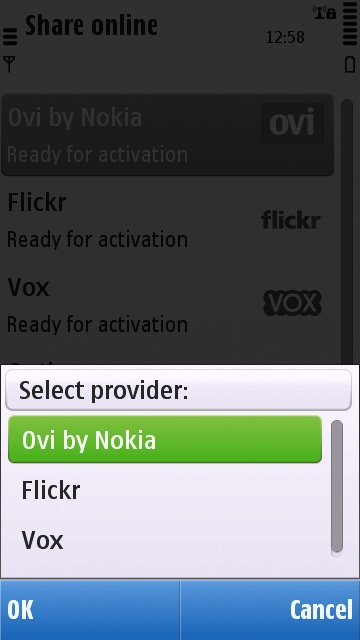
The C6 comes with S60's standard photo gallery application, and Nokia Share Online for publishing content to the web. Share Online is still only supplied with the same old three services as with other Nokia devices (i.e. Flickr, Ovi & Vox). However, free plugins by Furtiv are available via the Ovi Store for a wide range of other social networks and sharing services (e.g. Facebook, Twitpic, Picasa, YouTube, etc.).
The theme of speed continues with the photo gallery application. Even when the C6 has hundreds of photos to present thumbnails of, it does so in short order, and seems able to generate thumbnails on the fly while performing fast kinetic scrolling without stuttering. This is a big improvement, particularly when compared against the N97. Also, zooming and panning on individual photos (subjectively at least) feels faster on the C6 than with most other devices.
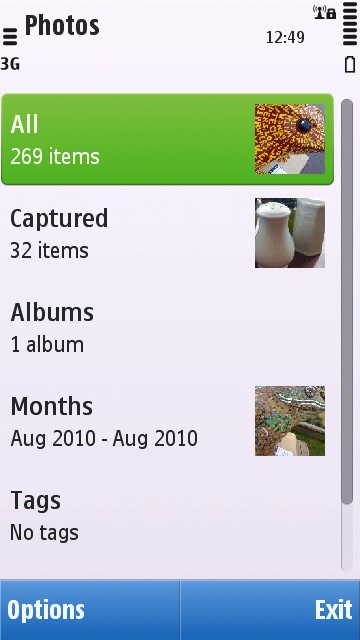
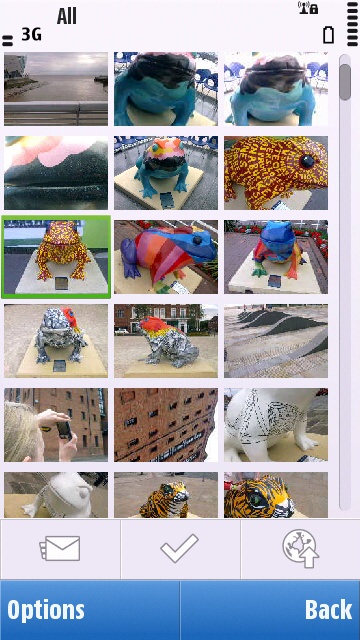
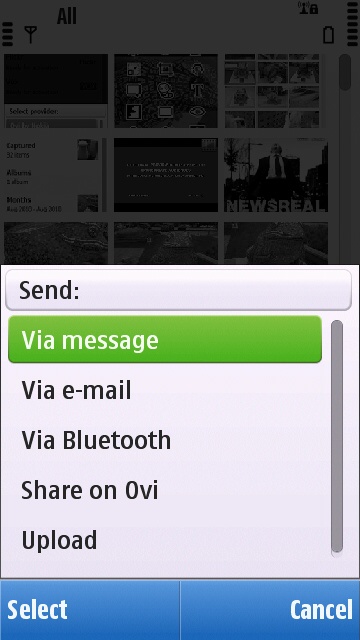
From the thumbnail view, there are toolbar touch buttons for sending photos via messaging, flagging photos for bulk operations, and for launching Share Online. More operations are available from the options menu, such as tagging photos with keywords and launching the photo editor. The S60 photo editor is familiar but quite versatile, providing the following functions: brightness adjust, contrast adjust, sharpness adjust, down scaling, cropping, rotate, speech bubble insert, insert clip art, overlay text, Posterise, overlaying a frame, Red-eye reduction, black and white, Sepia, and 'Vivid' colour.

A confusing aspect of the S60 gallery application is that videos are not just shown in the "Video and TV" application, but they are also shown in the photo gallery application. There is very limited video editing capability too. The video editor just has the capability to add text, trim, merge and replace sound. In the following section, readers will find a YouTube video that was completely edited together on the C6.
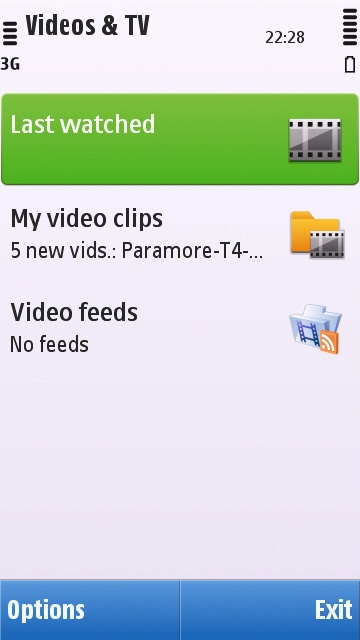
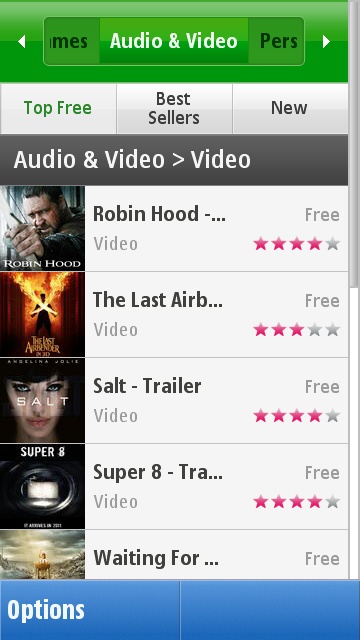
The dedicated video gallery is an application called "Video & TV", as found on the N97 and N97 mini. However, this would imply that there is some sort of content delivery system for TV programmes, which there is not. While the N97 was officially supported by the BBC iPlayer application, and it was possible to install the same on the N97 mini, the C6 is not supported at all. The Video & TV application starts with three options: "Last watched", "My video clips" and "Video feeds". The first is self explanatory, and the latter takes the user to the Ovi Store video department. Going into 'My video clips' presents a list of categories: 'All video clips', 'Downloads', 'Captured video clips', and 'Other'. This is fine, although the rhyme and reason as to what goes where isn't clear. Captured videos are the only videos that do seem to go where one might expect. Videos downloaded via the Ovi Store appear only in the 'All video clips' list, not in the Downloads list as might be assumed. It seems that the only content that appears in the Download category are videos downloaded with the standard Nokia Podcasting application. These inconsistencies aren't unique to the C6, they apply across all recent Symbian^1 devices.
Video playback on the C6 is generally good. All of my transcoded for Symbian test video files play smoothly with the C6 (that is, MPEG4 at 480kbps, with 128kbps MP3 audio). The 3.2" screen and passable audio output make the C6 a reasonable personal media player, although this is an activity that shouldn't be undertaken if it isn't possible to recharge the C6, as video playback will quickly draw down the 1200mAh battery.
Camera
Stills
The C6 has a 5 megapixel auto focus camera. Within the C6's budgetary scope, the camera has unbranded optics, and a single LED flash (not that dual LED's are that much better!) Therefore the camera is by no means one of the C6's major selling points. However, in tests for this review, the C6's camera produced better than expected results. The C6's autofocus system even copes well with close-up (macro) photography, capturing an impressive amount of detail. This just goes to show how mature Nokia's image processing software has now become, which benefits all devices.
The user interface for the camera is standard for Symbian^1 devices. The most common features are overlayed in a finger-friendly grid of icons. These give access to: Scene mode, Video mode, Show Grid (to aid composition, e.g. rule of thirds), Self-timer, Colour Tone, White balance, Exposure, Light Sensitivity (ISO level), Contrast, Sharpness, Sequence mode, and a short-cut to the photo gallery. More functions, including settings menu and flash control are accessed via on-screen buttons down the right-hand side of the screen. Unfortunately, there doesn't appear to be a panoramic image capture mode for the C6. On the bright side, the C6 does support geo-tagging photos via its AGPS system.
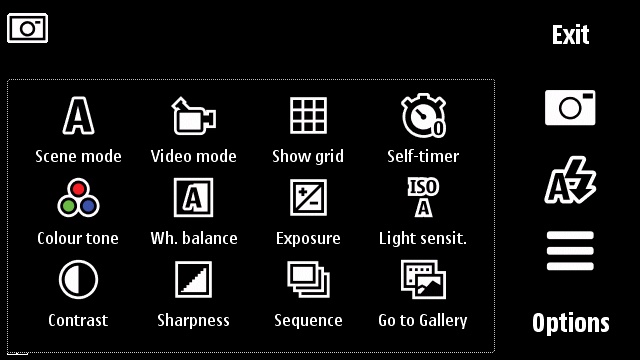
There are some criticisms to make of the C6's camera system. First, and most importantly, is that the C6 has a simple TFT screen with no transflective layer, along with a resistive touch layer. This makes it almost impossible to use the C6 as an outdoors camera. Even on a dull day as shown in the example pictures below, the C6 screen was highly reflective. Secondly, the camera application is relatively slow to load. From first pressing the shutter key and launching the application, it takes around 3-4 seconds until photos can be taken. It doesn't sound much but it is noticeable when you want to take a photo right away. Third and finally, after a photo has been taken, there is the usual preview of the photo, along with some text indicating that the photo is being processed. However, I found that even after the processing notice had gone, I would get a "Camera in use" error if I tried to delete the photo. I would have to wait over 5 seconds longer than the apparent processing time before the image could be deleted.
Here are some sample pictures taken on the C6:


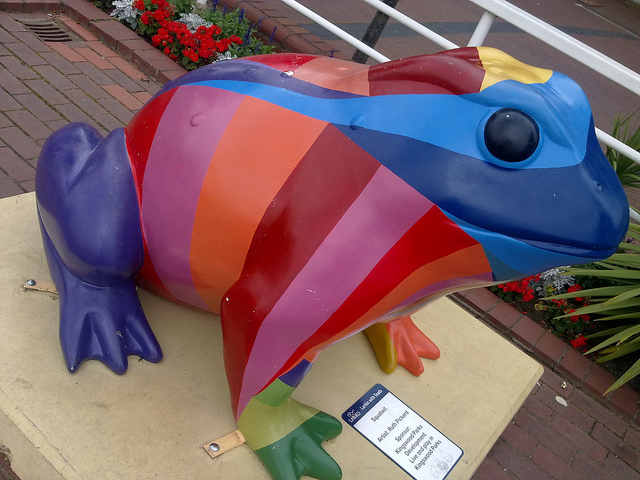

The full gallery of my C6 test shots can be found here, and for readers who would like to compare the C6 to other Nokia flagship devices, please follow the links for my N97 test gallery and my N97 mini test gallery.
Video
The video capture user interface is similarly laid out to that in still capture mode. However, the main functions menu has less options, only having: Scene mode, Image Mode, White Balance, Colour Tone, and a short-cut to the photo gallery.
Video capture on the C6 is mediocre. Even though the camera module has an autofocus system, video capture has no autofocus or pre-focus, instead focusing on infinity. Resolution goes up to VGA (640x480), but options for wide screen (640x352) and MMS friendly (176x144 in H.263) video are available.
Videos captured with VGA width are encoded in MPEG4 with a minimum of 15 frames per second. However, the C6 will produce adequate results for the likes of YouTube and Facebook, but don't rely on this phone for important video capture, such as special events. Again, with the budgetary considerations of the C6, being a primary video capture device is most definitely not its modus operandi. Here's an example video that was filmed and edited together on the C6.
Coming up next
In the next part of this review, we'll be looking at the user experience of the Nokia C6, along with its application suite.
David Gilson, All About Symbian, 12th August 2010
Reviewed by David Gilson at