
Review: Nokia N79
Score:
83%
NB: Before reading on, it's worth looking at Rafe's comprehensive preview of the Nokia N79, looking at its unique selling points and market positioning.
In this review, Steve Litchfield reports back on two weeks' use of a full production N79. What's good, what's bad and what's yet to be fixed?
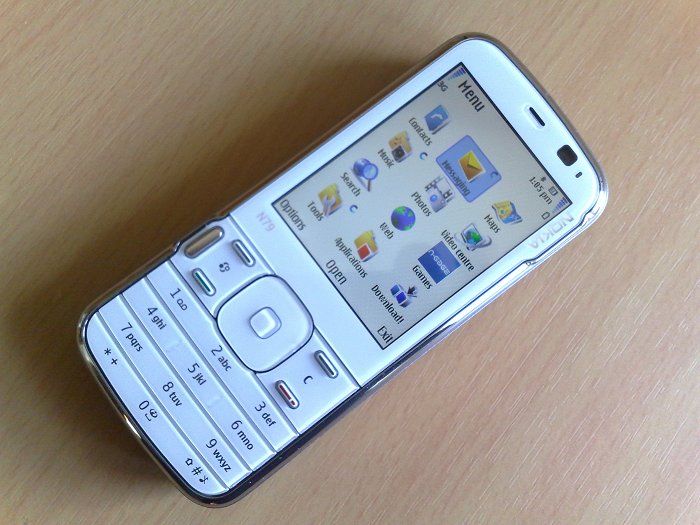
Putting the Nokia N79 (metaphorically) next to the original N73 is instructive - not only has the specification dramatically improved in the intervening three years, it's smaller, sleeker and lighter and is a testament to the onward march of technology. Putting the N79 next to the N78, it's closest living relative, is also instructive, in that the N79 is smaller and higher specification again, and with a more normal design to boot. Rafe's commented at length on the positioning of the N79 and N78 in the article linked above, so I won't repeat it.
Another interesting comparison is putting the new N79 up against the year old N82 - as two of Nokia's leading 'candy bar' form factor smartphones, both still in production, it makes for an obvious 'which one to buy' moment. However, referring back to Rafe's comments again, the N79 is pitched much more at the mass market, with its XpressOn covers, white iPod-like front and NaviWheel, and with its diminutive size. While the N82 was pitched fairly squarely at photo-and-video-centric power users, a market which it continues to serve well. So I won't go into more depth in terms of an N79-N82 comparison, apart from the little spec table added as 'Appendix A' at the bottom of this review, which will give you a quick overview of the N79's relative specification plus points compared to the (now very well known) N82.
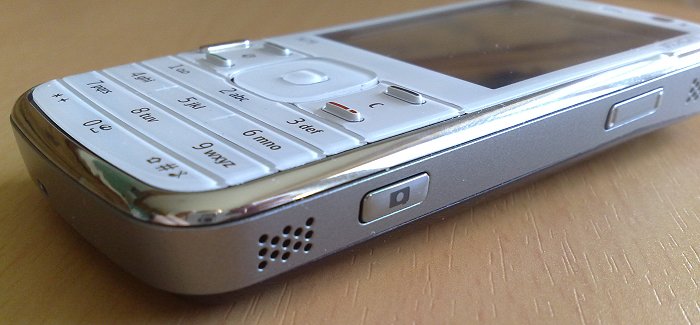
In fact, despite the lack of heavyweight features like the hardware graphics acceleration, the list of Nokia 'toys' (FM transmitter, NaviWheel, keylock, dual LED flash) that's now integrated and taken for granted in such a mid-tier smartphone is really rather impressive. But how well have they been integrated in the N79 and how well do they all perform as part of a whole?
N79 - The hardware
At only 15mm thick for most of its length, at 97g in weight and at only 74cc in volume, the N79 is commendably small, considering what's packed inside. Whereas the N82 always seems a little over-sized compared to the average High Street candy bar, the N79 slips into the hand or pocket just perfectly and, if this is where monoblock phones will end up, it's a pretty good 'sweet spot' in terms of compromise between screen/key size and overall bulk.
As witnessed by my tour of Nokia's test centre at Farnborough, responsible for testing N78 and N79s (in particular) to destruction, the N79's hardware is pretty robust. Any creaking of the case when pressed is minimal and, given what Nokia put it through, there's just about zero chance this thing will break, short of dropping it from a great height or running it over in something very heavy.
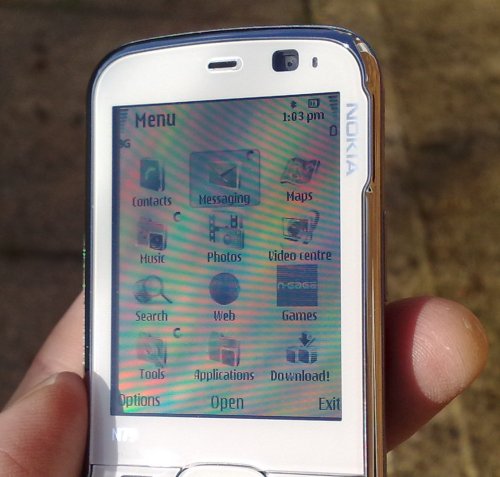
The display's 2.4", as on the N82 and N78, but very clear in all light conditions, including bright sunlight, an area where some modern devices [FX: Steve looks at HTC...] fall down horribly.
The much-hyped Xpress-On covers are a bit of a gimmick, to be honest - yes, it's cool that the phone's theme changes automatically to match, but a) you won't spend much time looking at the back of your phone and b) the theme change may override a favourite theme you've set manually. In fact, even sticking with just the one cover, it's annoying enough that even a simple removal of the back cover (to change a SIM card, for example) is enough to revert the N79 back to its 'matching' theme. Thankfully, this behaviour can be turned off in 'Settings'.

The control and numeric keys are a bit of an acquired taste - Nokia continue to experiment. Here, the function, call and hang-up keys are all raised, N82-style, with the S60 menu and 'c' keys recessed in between and with the infamously useless 'multimedia carousel' key offset to the left.
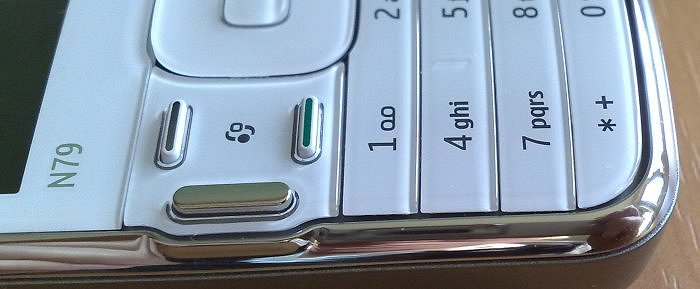
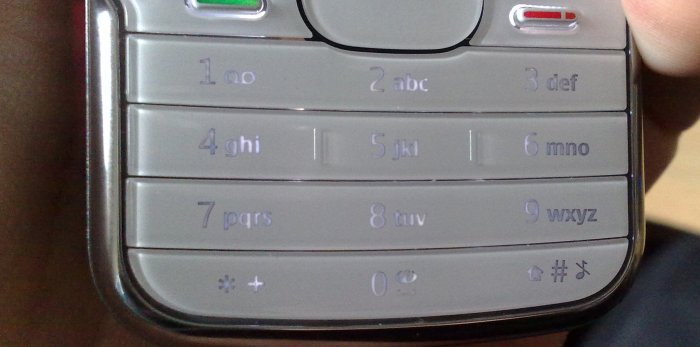
The numeric keys don't have much separation between them, in terms of feel and I didn't like the way the critical bottom row has been squeezed in at the very bottom - pressing '*' or '#' is almost enough to fire the phone from your hand in response to the necessary pinching action. In common with the N79 and N82, the N79 has an approach to key backlighting that means that under certain conditions (here it's half/dim light) the key legends effectively become invisible, with the backlight just counteracting the darkness of the legend in such a way to render them unreadable:
All of which I can live with though - the strangest thing about the N79 design is the d-pad. After getting used to phone d-pads in which the outer 'ring' is raised, it's a big shock to use the N79's 'inverted' arrangement, with a central dimple that's raised a good 1mm above a flush (to the control surface) outer ring. It certainly makes the design point about the d-pad centre being the 'third/central function key', but it will take some getting used to. The outer ring is a full 'NaviWheel' here, interestingly, so you can cycle round applications or photos by circling your finger around the central dimple, a system that works well enough without really being as convincing as the original iPod control wheel, the device that started the craze.
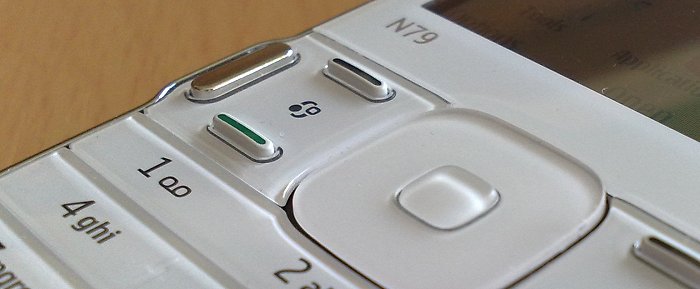
Around the N79's perimeter are:
- a 2mm charging port (not a huge problem, although clearly USB charging will be used more in future devices)
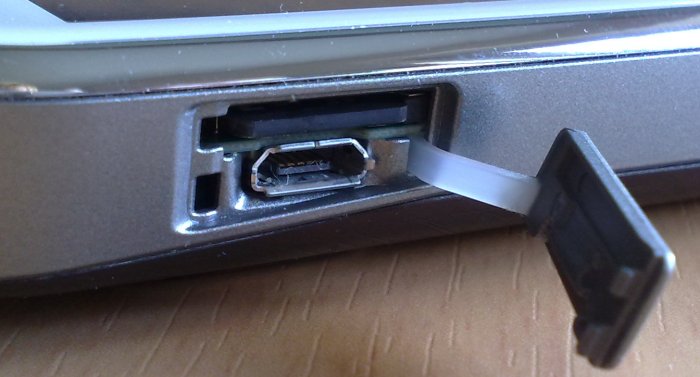
- a wonderfully elegant combined hatch (with retained flap) for microSD (a 4GB card is included with each device) and microUSB connectivity
- a keylock ley (a trend first started on the Palm Treo, I think, and one which I heartily approve of - it's so much quicker to flick one key than fiddle around manually activating an S60 keylock with left function + '*' or using the power key shortcut)
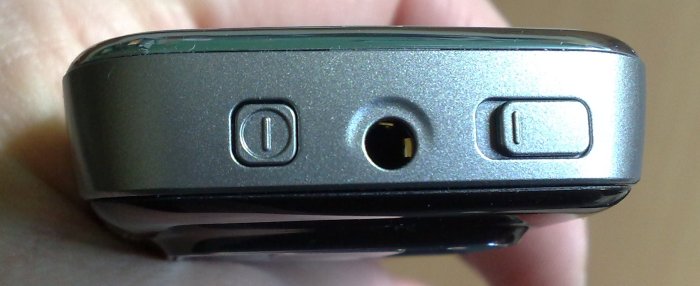
- a 3.5mm audio jack (also enabled for TV out, although there's no cable for this in the box, and in practice a bug in the early firmware means that photos aren't passed through the TV out system correctly - Nokia, work needed here!)
- the power key
- up/down rocker (for call volume changes, for photo zooming, for music volume changes, and so on)
- camera shutter key
- stereo speakers (positioned as on the N82, at either end of the right hand side, for use when the phone is in 'video mode', and as loud as those on the N95 and N82 and of quite decent quality)
The exterior keys on the N79 are very well made, again backing up what I saw at Farnborough. The back cover is plastic, of course, complete with theme-changing microchip, and is something of a fingerprint magnet, though thankfully you won't be looking at the N79's rear too often, so this isn't really a problem.
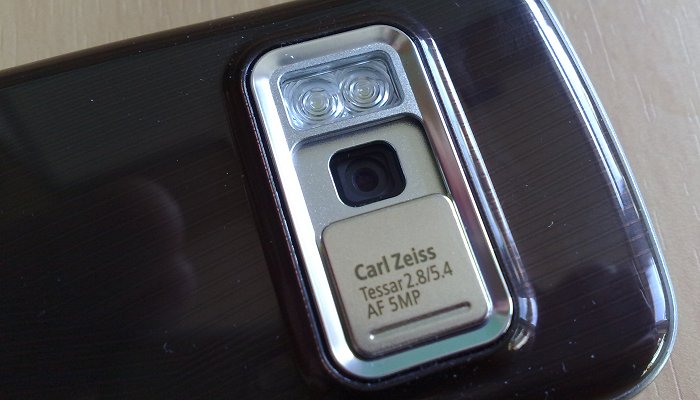
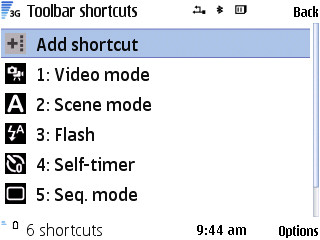
The 5 megapixel camera is well protected with a manual sliding shutter. Opening this starts the Camera application, closing it closes the app, etc. Very convenient and quick when you've simply got to grab an important snap. Camera is much the same as in all other recent S60 phones, with the addition that you can now 'Customise toolbar', taking off adjustments that you find yourself not using or just re-jigging the order of the toolbar functions, a tweak which is very useful indeed.
The dual LED flash works well, as documented here, although clearly not up to Xenon levels. Photos taken in daylight come out well and are comparable to those from the flagship N95 8GB and N82. Here are some samples, click each to download or open full-size:

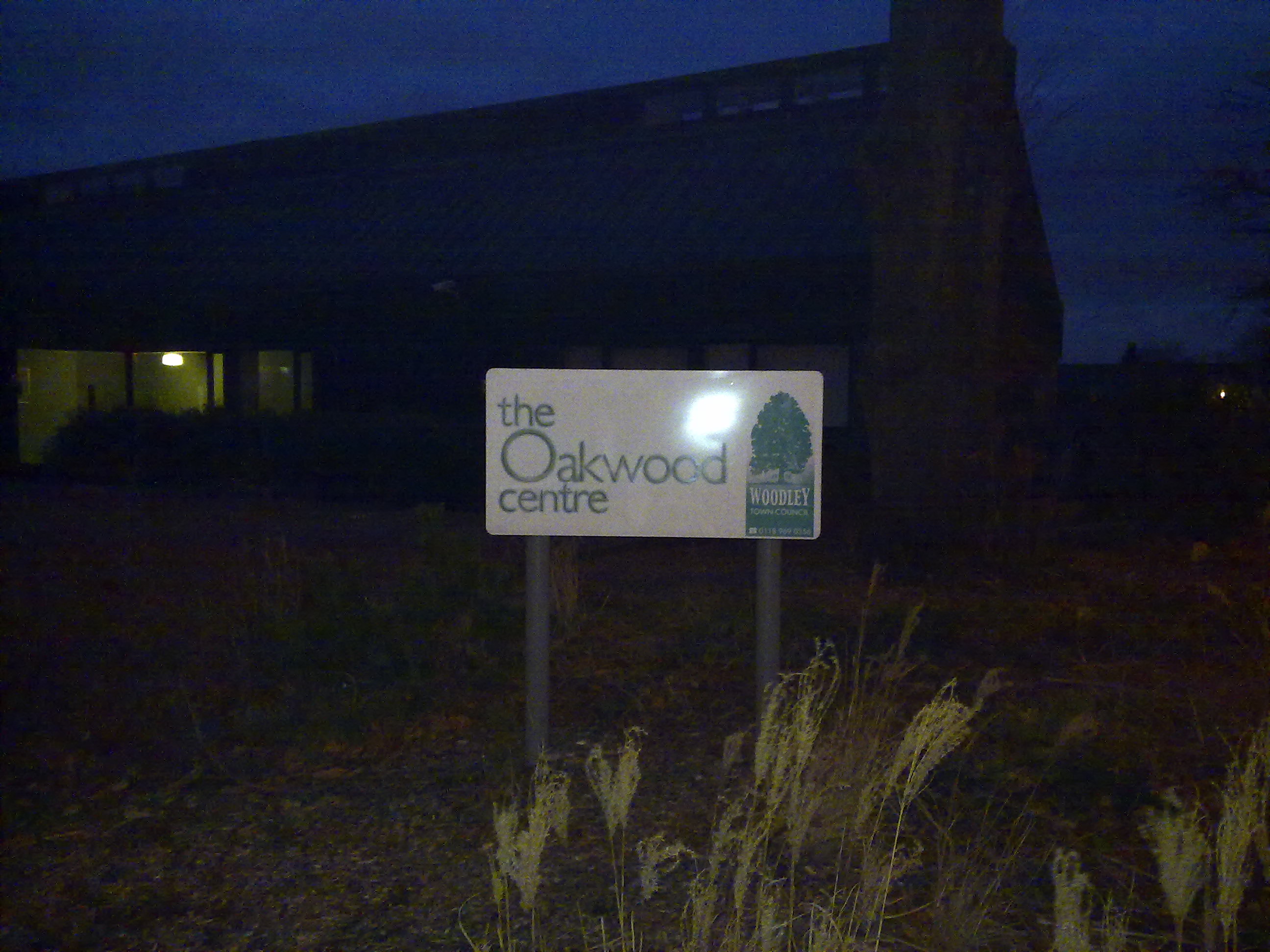
In good sunlight, close-up mode; trying out the LED flash in pitch dark conditions
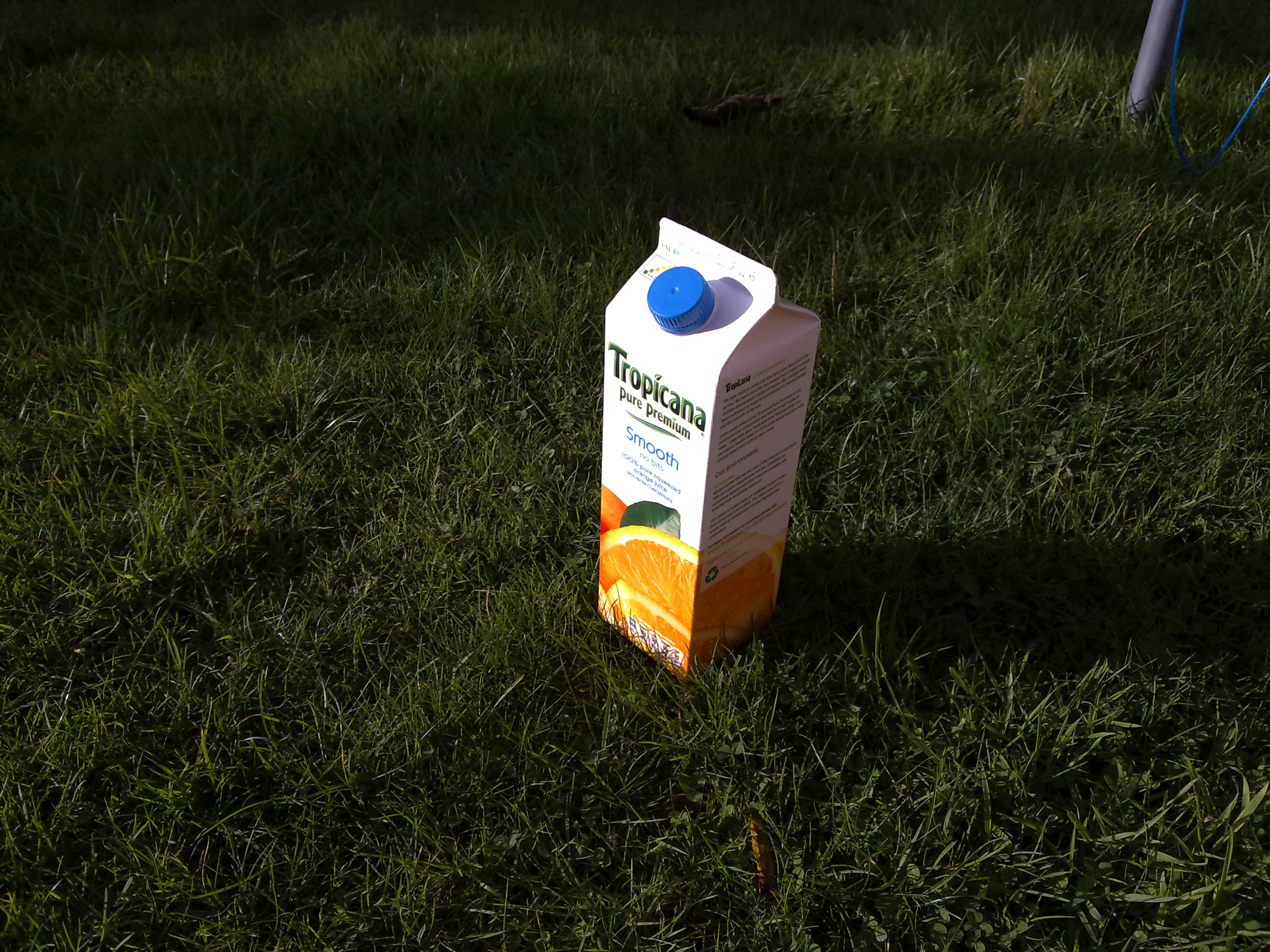
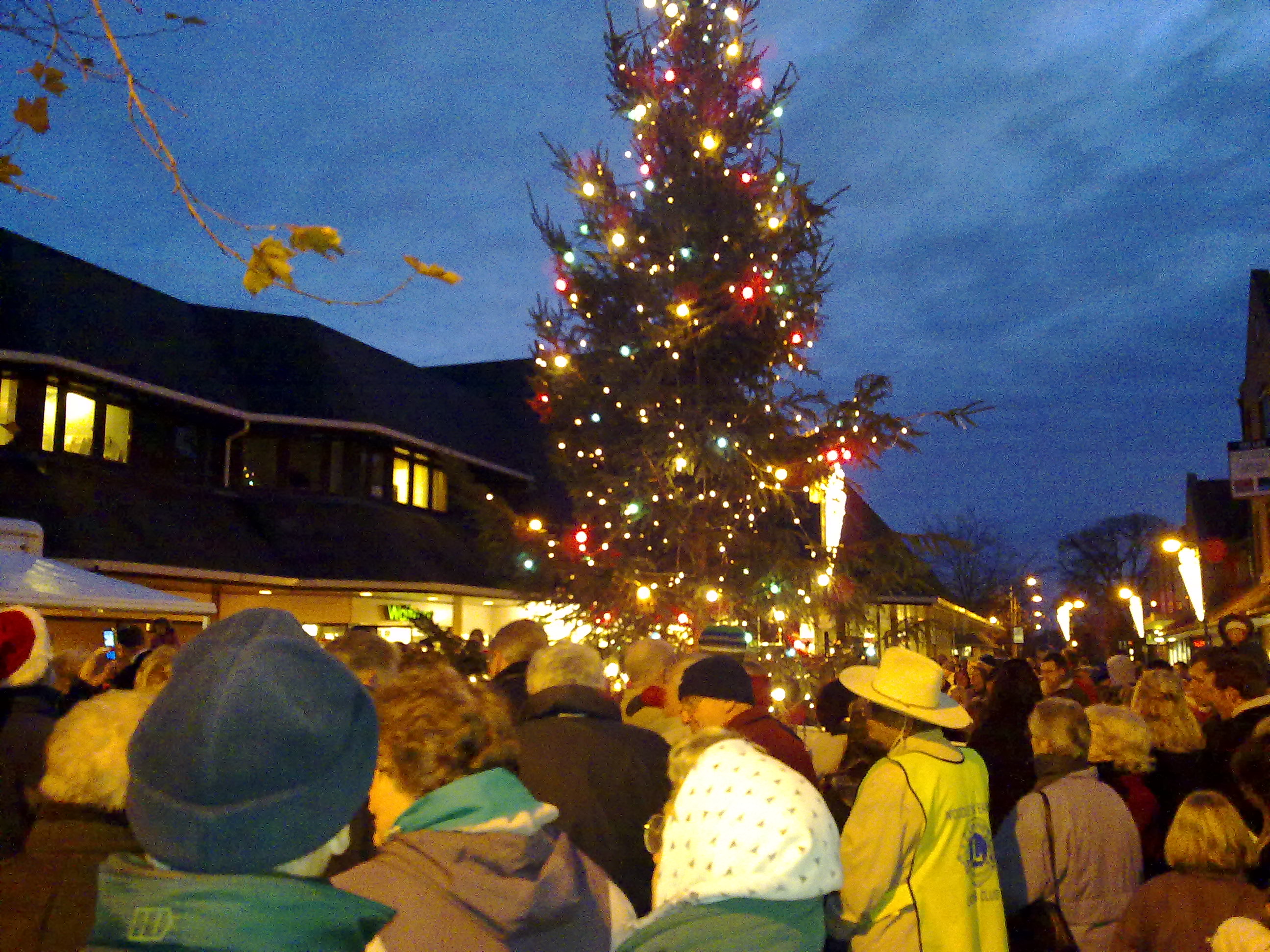
Weak winter sunshine, the grass came out too dark, but good detail; an evening, low light shot

Taking real close-ups is always a good test of a phone camera. This is cropped from a 'Close-up' mode shot of my hand...!
Video capture is not so satisfactory. Detail in this mode isn't as good as on previous devices like the N95 and N82. Here's a comparison of frame grabs from video of the same scene (weak winter sunshine by the duck pond), with the N79 first and the N82 below:
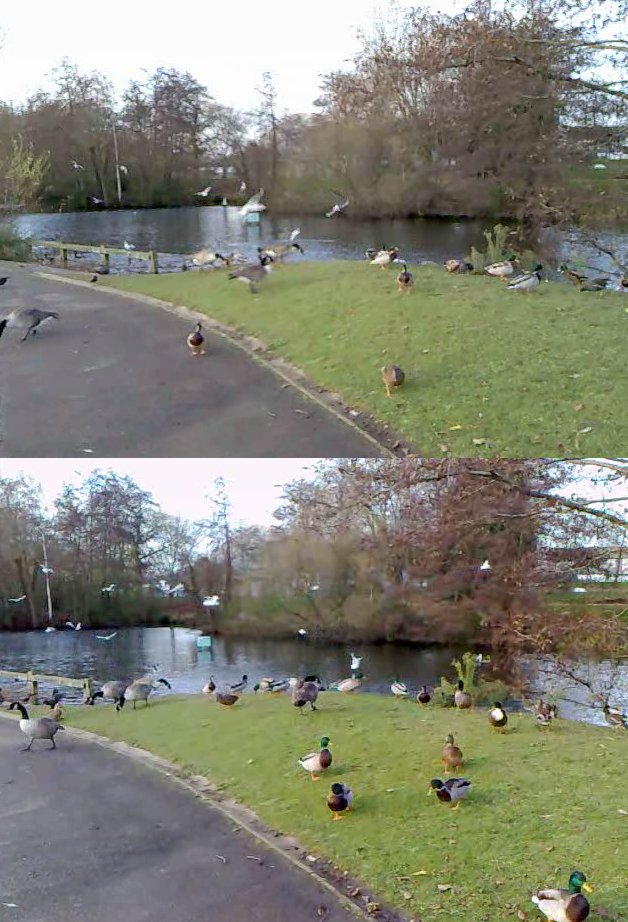
A noticeable difference. The effect is more dramatic if you try and film something closer, such as a person in front of you. Again, the N79's video frame grab is on top, the N82 below:

Now, we know that there's no focussing in video mode in any of Nokia's S60 smartphones. A shame, but there you go. Instead, on the N82/N95/N93 Nokia preset a sensible focus that, in good enough light, means that the depth of field is from about 1 metre to infinity. For some reason, the focus seems messed up on the N79 (and N96, if you remember) - I'm really hoping that this glitch can be fixed in firmware, otherwise I simply can't recommend the N79 to anyone hoping to capture video on the go.
Being able to flick on the dual LED unit as a 'video light', for evening videos doesn't work well. If your subject is close enough to be lit then they'll complain strongly about the 'dazzling' light into which they're forced to look - I know, I've tried it. And then there's the aforementioned focussing problem, meaning that if the subject is close enough to be lit then they're also close enough to be out of focus.
The presence of a biggish (1200mAh) battery is very welcome and should mean that no new user gets caught unawares by a failing battery, as was the case with the N95 Classic. A 4GB card in the side means that there's plenty of space for getting someone started on the data front too. Particularly interesting was the decision to pre-download SIS files for a dozen or so of the most popular N-Gage games onto the card, ready for installation without the user having to find and download them. With flash memory so cheap, this makes a lot of sense, though letting the user install them to 'C', i.e. the internal disk, makes less sense - with some N-Gage games being tens of Megabytes, a new user could quickly get themselves into trouble. So why not force all games to install to any disk other than 'C'?
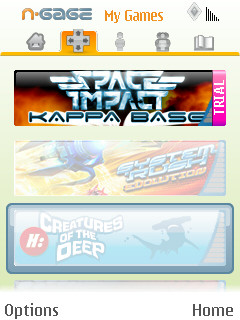
Once powered up and running, the N79 is as familiar as any other S60 3rd Edition Feature Pack 2 phone. The fade-in, fade-out, swirl things all around transitions are fun for the first hour but then it's good to turn them off to speed things up - unfortunately, Nokia has rather buried the setting for this - it's in 'Tools|Settings|General|Personalisation|Themes|General|Options|Theme effects' - whoever decided that this was the place to stick this toggle should be shot at dawn.
The other thing that you may want to change quickly is automatic overriding of the theme system - just change it to 'Ask'. The built-in, back-cover-matching themes are decent enough, but it's annoying when you've set up something else and the theme reverts simply because the back cover slipped off and had to be put back on. With the display at only 2.4", I found visibility the main problem, just as on the N82, and so I plumped for my old favourite 'White revisited', shown here (just to be boring) in the screenshots.
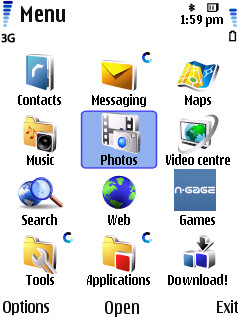
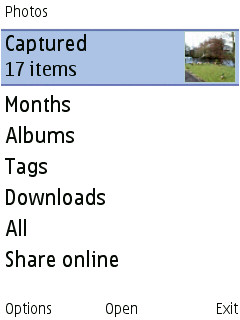
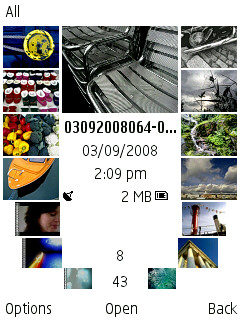
There are no surprises in the basic S60 application set. Nokia Photos and Video Centre have taken over from Gallery - largely a positive change, though there are still a few bits of functionality that need to be ported over from the old pre-FP2 system. Some web sites have reported that zooming into a photo takes an eternity, but with the latest (v10.046) firmware I had no problems at all. It was my first experience with the new FP2 'smooth zooming' functionality, but that aside there's little to report.
Nokia Maps is v2.0, of course, there's the Music store widget. Music player itself is unchanged, producing great quality output from files of decent bit rate. The headphones supplied are broken into the 'phones themselves, plus a wired remote, also with a 3.5mm jack, a flexible system that means you can work your audio in any of several different ways. There's A2DP if you want to go wireless and, following in the N78's footsteps, an FM transmitter, offering a second way to ditch your wires.
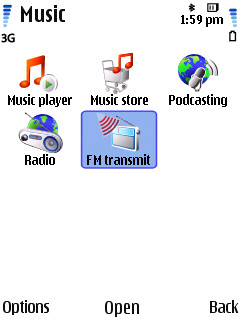
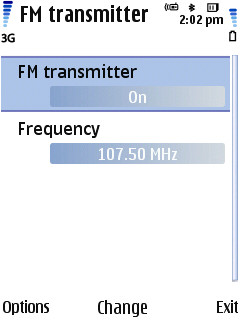
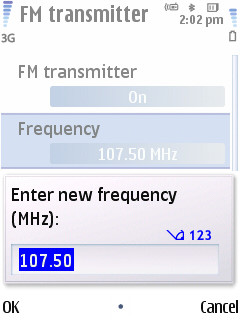
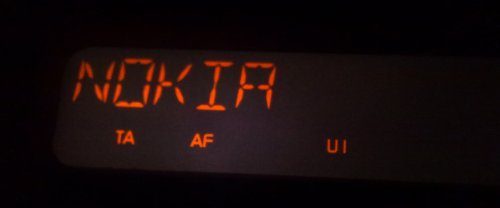
Designed for use in a car, this works extremely well (in my tests, up to 2 metres) to get your music from phone to car stereo (which even displays 'Nokia' as the RDS station!) without any messing around with adapters or standalone transmitters - a very cool addition and with surprisingly good sound quality.
A 'SW checker' icon in the 'Applications' group turned out to do the same job as the old '*#0000#' from the standby screen, with the addition that, this being one of Nokia's new devices with Red Bend's Over The Air upgrading system built-in, you can check for updates automatically on a schedule of your choice and install any updates seamlessly without loss of data. UDP (User Data Preservation) also seems to be present for Nokia Software Update installs (from a PC) - I tested this and my data and installed applications weren't touched.
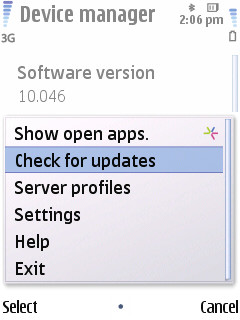
Rather confusingly, 'App update' is also present and it's not at all clear which applications are covered by this separate over-the-air system - perhaps there will be a list of approved applications which are kept up to date. Time will tell.
Although video playback was comprehensive (even down to handling WMV and FLV files, for example), proving that there's some decent video decoders in the N79, there's no 3D Graphics Accelerator, as on the more expensive N95 and N82. This isn't a problem for all the N-Gage games, none of which expect acceleration, and it's not a problem for most third party games, but the N79 does come a cropper where you try running just a little too ambitious on it. For example, the racing game Oval Racer runs like treacle on the N79, and the YouTube client Mobitubia stutters along in a way that makes it almost unuseable. I'm presuming that these two applications make use of graphics acceleration.
The status of TV out on the N79 is up for debate - it's advertised as having it but there's no composite AV cable in the box (unlike on other Nseries TV-out-compatible handsets) and, when you do plug it into a TV, photos aren't shown at VGA resolution - rather, the QVGA screen of the device is simply echoed. I'm assuming that this is a firmware bug and that this will be fixed.
Two things which are built-in and fully working are Wi-Fi (always good to see this on a mid-tier phone) and GPS. Contrary to other ill-informed reviews from around the Web, the GPS in the N79 is very fast and as sensitive as on any other Nokia S60 phone. Where casual reviewers talk about slow lock-on times, they almost certainly haven't set up Assisted GPS properly - it's vital to assign this a working data connection for grabbing its satellite data from. Nokia must share some of the blame here - a first-run wizard asking the right question would help avoid similar misunderstandings in future. In practice, I was getting lock times of under ten seconds from a warm start.
Nokia Maps comes with 3 months trial of turn by turn voice instructions, so that's an extra £20 or so value built-into the N79 purchase price. Maps 2.0 may not be the best satellite navigation system for S60 but it's very flexible and does the job most of the time. Most importantly, perhaps, its maps and data are free all the time you're not using the application for road navigation.
Connectivity is, as you would expect, excellent, with 3.5G data, Wi-fi (not always a given in mid-tier phones) and subtleties like UPnP, should you need it. Nokia's implementation of Wi-fi is rarely the best performing, but then the aerial has to be very small to fit the device, so a compromise clearly has to be made. Overall performance is good once you've turned the theme transitions off. Free RAM is 72MB, plenty for even the very hardest of uses. There's 76MB of free flash memory on the internal (C) disk, enough for most of your non-game third party applications.

N78 versus N79 versus N82
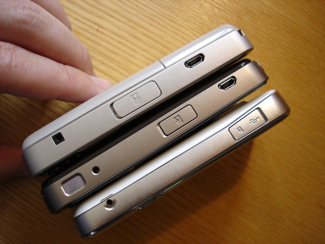

Nokia N82, N78, N79 on their sides; N78, N79, N82 face down
Looking at the N79 at launch price (over £300, SIM-free) and then at the N82 (for example), currently at less than £300, makes the N79 seem over-priced, but I'd expect its SIM-free price to come down to the £250 mark within the first three months, once the early adopters have had their fill. Looking at Nokia's Nseries candy bars, the N79 is a lot better than its predecessor, the N78, but it's arguably quite a bit worse than the N82, making the N79's price look incongruous. But, as I say, this will come down quickly and won't make much difference when buying the N79 on a modest (£25 a month) contract.
Despite its current failings (poor video capture, fiddly keypad bottom row, lack of graphics oomph), the Nokia N79 is packed with toys and will be a good introduction to S60 3rd Edition FP2 for new users. Moreover, it's extremely robust, rather fashionable (with the cover gimmick) and will provide an awful lot of people with a reliable day to day gadget-packed phone.
Steve Litchfield, All About Symbian, 27 Nov 2008

Appendix A: Nokia N79 vs Nokia N82
| N79 'wins' over the N82 | N82 'wins' over the N79 |
|
FM transmitter |
Xenon flash for stills Hardware graphics acceleration Fully mature firmware (v30) Dedicated Gallery key Better video capture quality |
Reviewed by Steve Litchfield at